Professional smart display solution provider
Focused on manufacturing large display screens for 15 years, providing door-to-door services nationwide

Hotline
0755-29595688
Professional smart display solution provider
Focused on manufacturing large display screens for 15 years, providing door-to-door services nationwide
0755-29595688
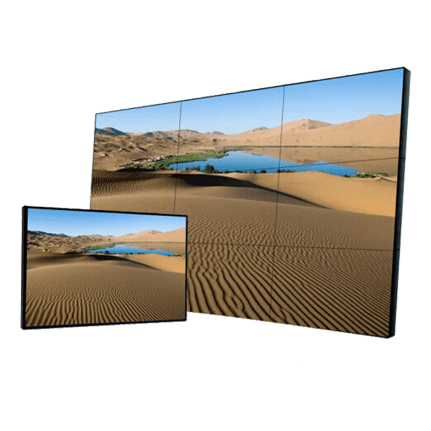
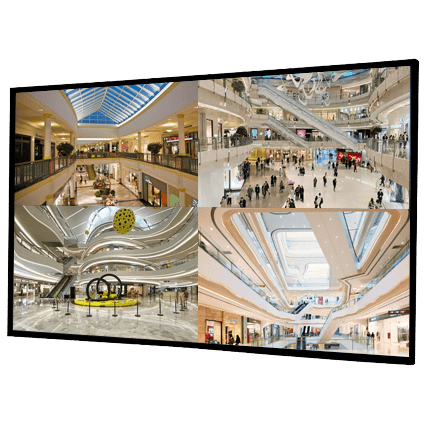
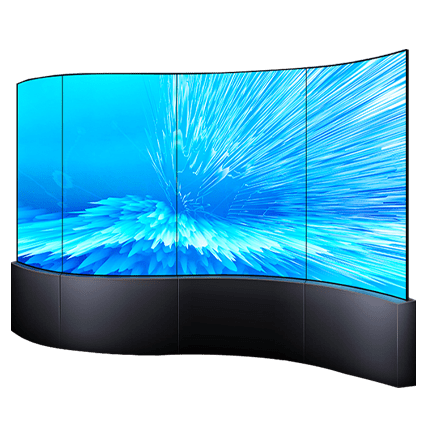
The LCD splicing performance is excellent. Reasonable prices are widely popular in foreign markets. It has a service life of up to 50000 to 80000 hours. Stable maintenance costs are low. It is currently a cost-effective large screen display system. The application of LED splicing screen systems in the market is constantly heating up, and has been recognized and affirmed by many users. What should I do if I encounter LED splicing screen stuttering during use?
The LCD splicing performance is excellent. Reasonable prices are widely popular in foreign markets. It has a service life of up to 50000 to 80000 hours. Stable maintenance costs are low. It is currently a cost-effective large screen display system. The application of LED splicing screen systems in the market is constantly heating up, and has been recognized and affirmed by many users. What should I do if I encounter LED splicing screen stuttering during use?
1. Check if the connection between the LCD splicing screen and the graphics card is loose. Poor contact can cause noise. Scattered screen is a very common phenomenon.
2. Check if the graphics card is overclocked. If the graphics card is excessively overclocked, irregular and intermittent horizontal stripes usually appear. At this point, the overclocking amplitude should be appropriately reduced. Firstly, pay attention to reducing the video memory frequency.
3. Check the quality of the graphics card. If there is a screen distortion problem after replacing the graphics card and it ranks among the top in use, and the two methods are ineffective, the anti electromagnetic interference and electromagnetic shielding quality of the graphics card should be checked for compliance. The specific method is to try to install it as far away from the graphics card as possible (such as the hard drive) and see if the splash screen disappears. If it is determined that the electromagnetic shielding function of the graphics card is insufficient, the graphics card should be replaced or self made shielding should be used.
4. Check if the resolution or refresh rate of the LCD splicing screen is too high. The resolution of LED splicing screens is generally lower than that of CRT displays. If the resolution exceeds the recommended good resolution by the manufacturer, there may be a blurred screen.
5. Check if incompatible graphics card drivers are installed. This situation is easily overlooked because the update speed of graphics card drivers is getting faster and faster, especially for NVIDIA graphics cards. Some users are eager to install a new version of the driver. In fact, some new drivers are either test versions or optimized versions for special graphics cards or games. Using this type of driver may sometimes lead to the appearance of screen blur. Therefore, it is recommended that you use Microsoft certified drivers as much as possible and use drivers provided by graphics card manufacturers.
If the above five techniques still cannot solve the problem, then the quality issue of the LCD splicing screen is possible. Please replace with another monitor for testing at this time.
Online Service
8:00-24:00